1. System Access
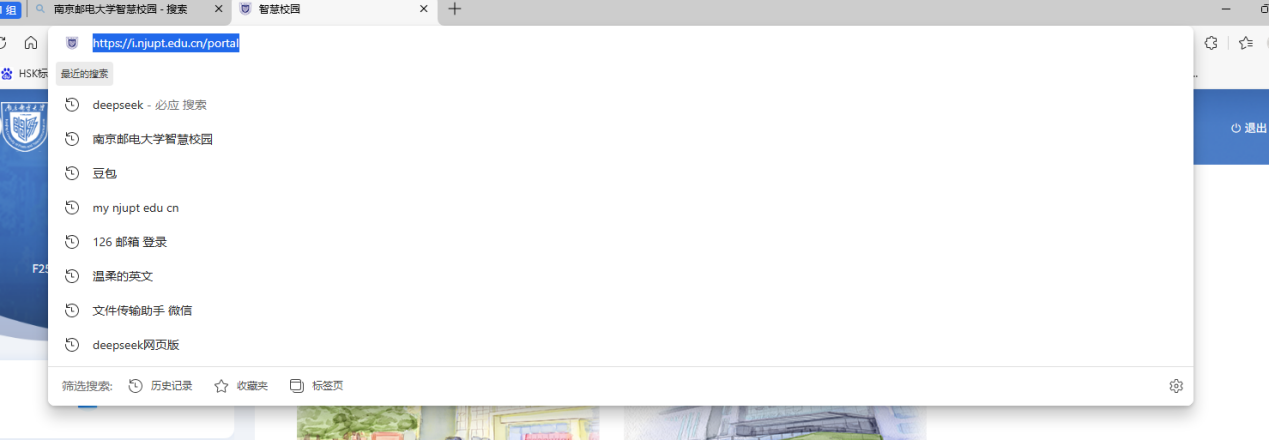
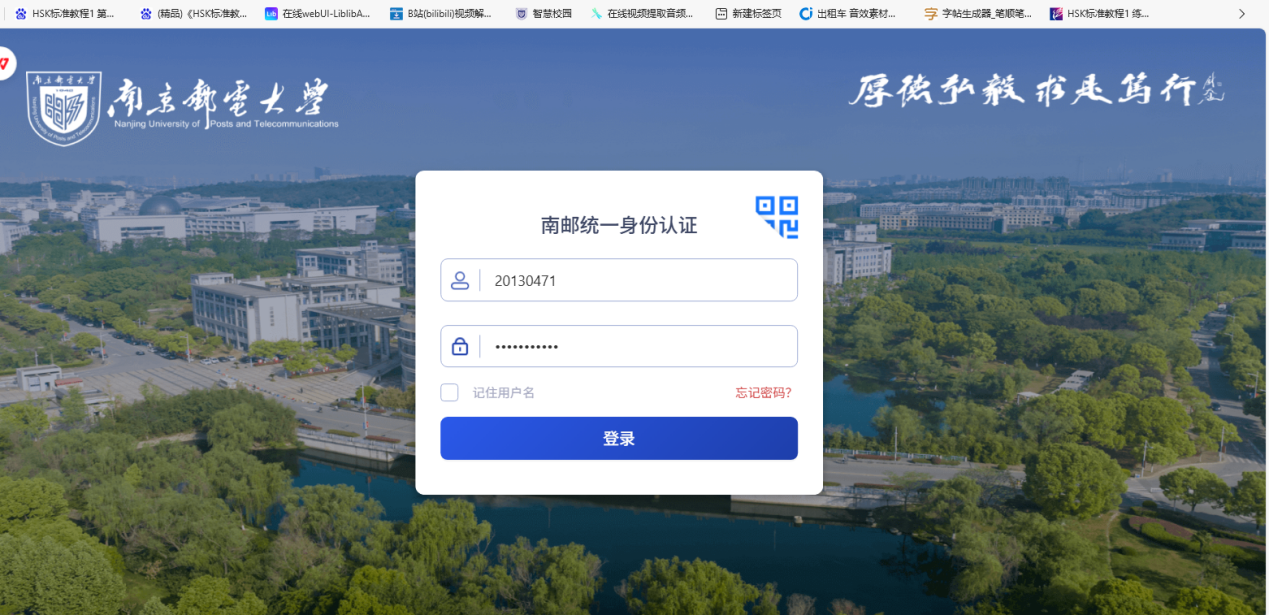
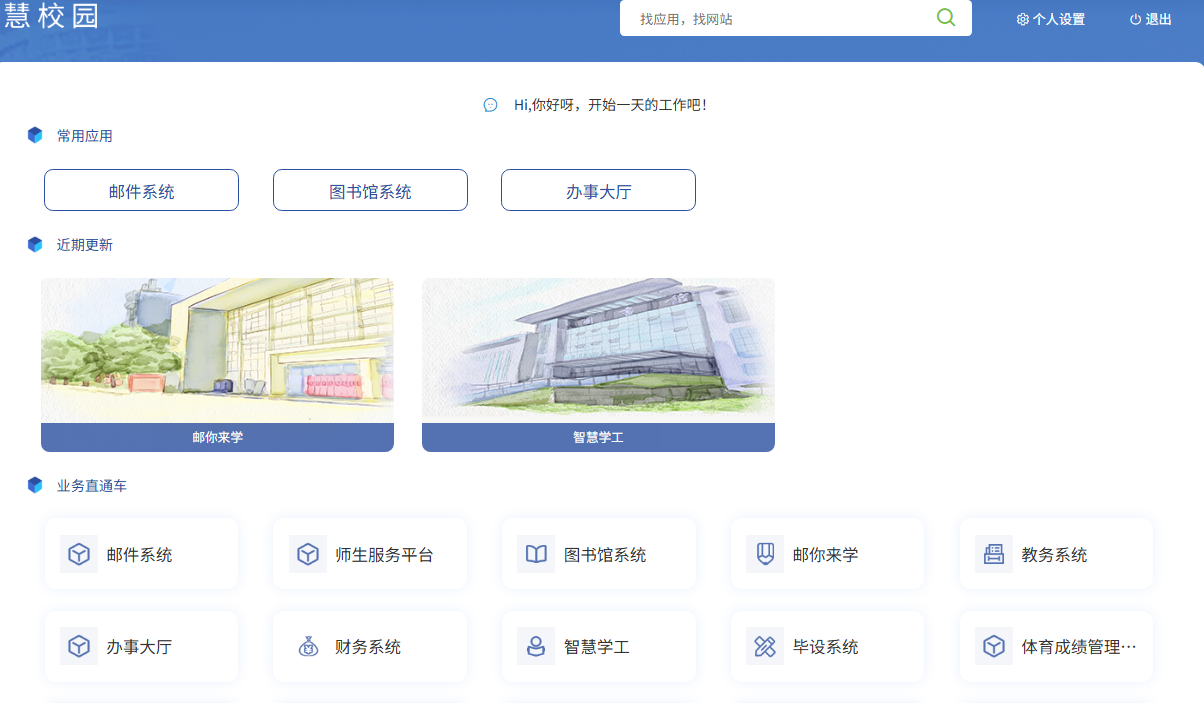
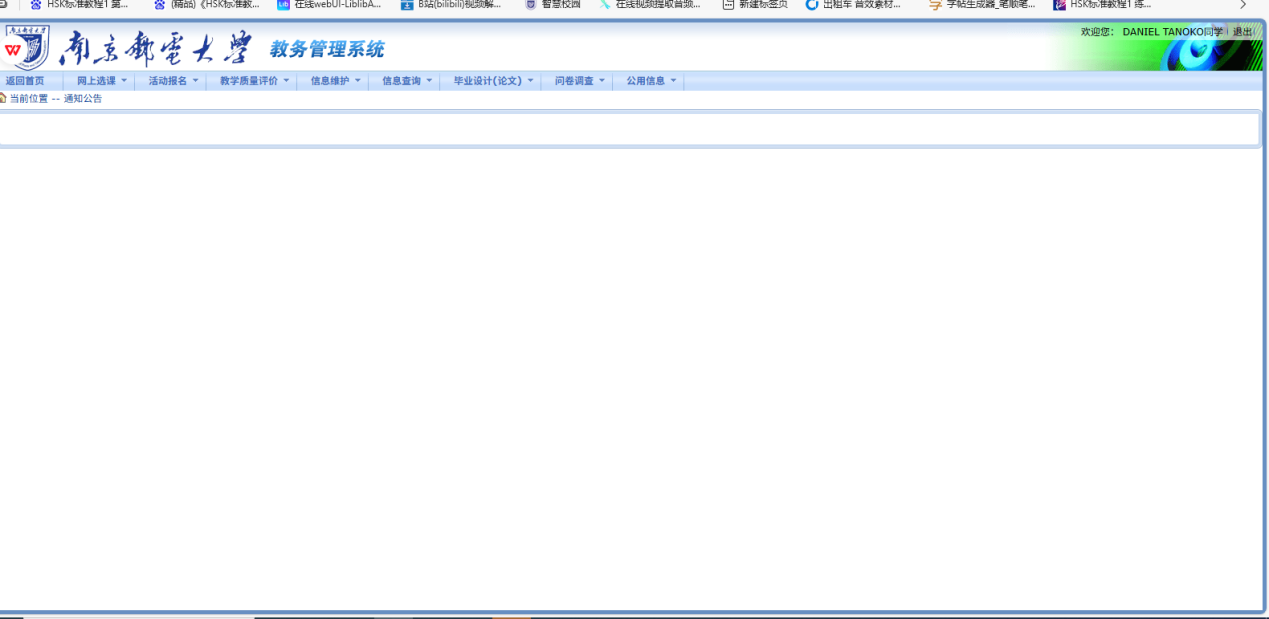
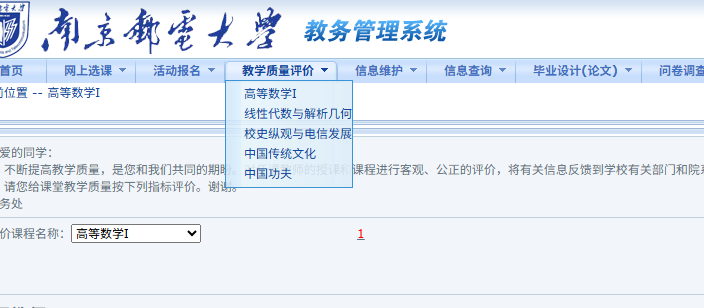
Access the evaluation system via the official university website: NJUPT Homepage → Smart Campus (log in with the unified campus identity account) → Educational Administration System → Teaching Quality Evaluation.
南邮主页>>智慧校园(凭学校统一身份认证账号登陆)>>教务系统>>教学质量评价
2. Evaluation Period
3. Important Notice on Course Selection
4. Device Specification
5. Consultation Information
Guide to fill the teacher evaluations
Login to your personal account.
In the homepage, find教务系统, then click on it
Choose数学质量评价
Then you can fill all courses you have attended in this semester, such as高等数学I,线性代数与解析几何,校史纵观与电信发展, 中国转统文化, 中国功夫 classes one by one.
Fill the blank, choose完全认同 (completely agree),相对认同 (relative recognition),勉强认同 (reluctantly agree),不太认同 (not really agree),完全不认同 (completely disagree), note you have to complete all the blanks then you can click保存(save) to continue.
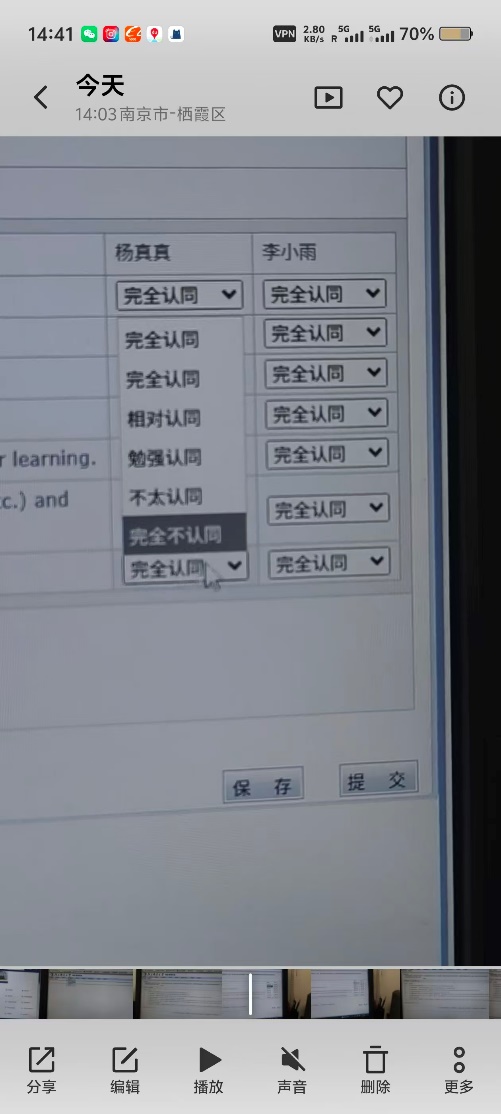
After you finish with all of the question you can click提交
Done
